
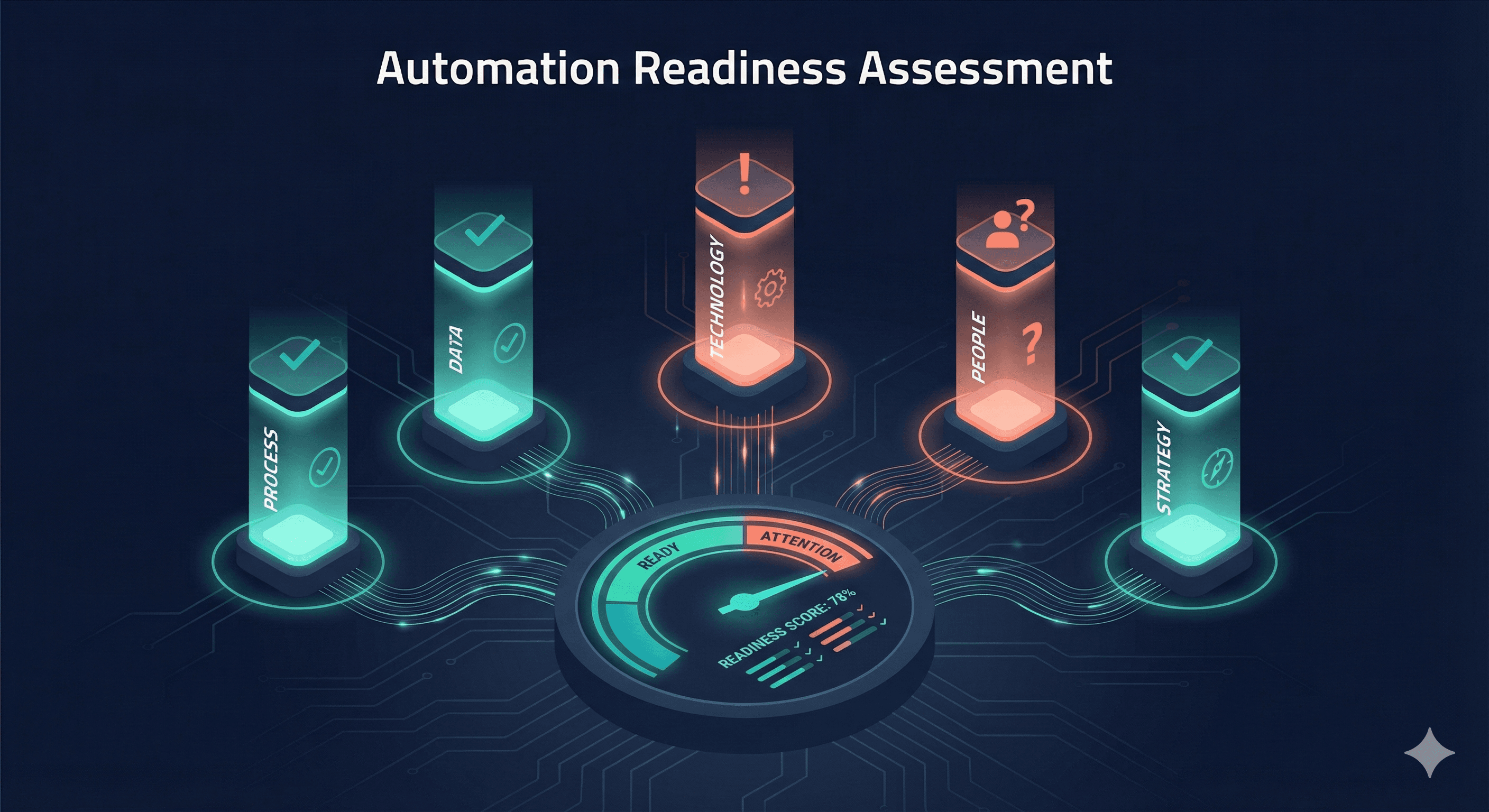
The Automation Readiness Question#
Not every business is ready for automation. And that's okay.
Rushing into AI automation without the right foundations leads to failed projects, wasted budgets, and organizational frustration. The good news? Readiness gaps are fixable—once you know what they are.
This guide helps you assess where you stand and what to do next.
The 5 Pillars of Automation Readiness#
1. Process Maturity#
The question: Are your processes documented, consistent, and stable?
Why it matters: You can't automate chaos. If ten people do the same task ten different ways, automation will either fail or encode the wrong approach.
Assessment:
| Indicator | Ready | Not Ready |
|---|---|---|
| Written procedures exist | ✓ | ✗ |
| Procedures are followed consistently | ✓ | ✗ |
| Exceptions are documented | ✓ | ✗ |
| Process hasn't changed in 6+ months | ✓ | ✗ |
| Success criteria are defined | ✓ | ✗ |
If you're not ready:
- Document your current processes (even imperfect ones)
- Standardize on one approach across the team
- Track exceptions to understand edge cases
- Stabilize before automating
Timeline to ready: 4-8 weeks for process documentation
2. Data Quality#
The question: Is your data clean, accessible, and trustworthy?
Why it matters: Automation runs on data. Garbage in, garbage out. If your CRM is full of duplicates or your spreadsheets have inconsistent formatting, automation will produce unreliable results.
Assessment:
| Indicator | Ready | Not Ready |
|---|---|---|
| Data is in structured systems (not spreadsheets) | ✓ | ✗ |
| Records are reasonably complete | ✓ | ✗ |
| Duplicates are minimal | ✓ | ✗ |
| Data formats are consistent | ✓ | ✗ |
| Systems have APIs or integrations | ✓ | ✗ |
If you're not ready:
- Audit your core data sources
- Clean up critical fields and duplicates
- Establish data entry standards
- Move from spreadsheets to proper systems where needed
Timeline to ready: 2-6 weeks for data cleanup (depending on severity)
3. Technology Infrastructure#
The question: Do your systems support integration and automation?
Why it matters: Digital FTEs need to connect to your tools. If you're running on legacy systems with no APIs, or everything is locked in desktop applications, integration becomes a major hurdle.
Assessment:
| Indicator | Ready | Not Ready |
|---|---|---|
| Core systems are cloud-based | ✓ | ✗ |
| APIs are available | ✓ | ✗ |
| Single sign-on exists | ✓ | ✗ |
| IT can provision system access | ✓ | ✗ |
| No critical desktop-only tools | ✓ | ✗ |
If you're not ready:
- Identify integration blockers
- Prioritize cloud migration for key systems
- Explore middleware/integration platforms
- Document workarounds for legacy systems
Timeline to ready: Variable (simple integrations: weeks; major migrations: months)
4. Organizational Capacity#
The question: Does your team have bandwidth to support implementation?
Why it matters: Automation doesn't deploy itself. Someone needs to define requirements, test outputs, provide feedback, and manage the transition. If your team is already underwater, adding a project will fail.
Assessment:
| Indicator | Ready | Not Ready |
|---|---|---|
| Project sponsor identified | ✓ | ✗ |
| Subject matter experts available | ✓ | ✗ |
| Time allocated for implementation | ✓ | ✗ |
| No major competing initiatives | ✓ | ✗ |
| Team is receptive to change | ✓ | ✗ |
If you're not ready:
- Identify the right project sponsor
- Clear calendar space for key contributors
- Sequence projects to avoid overload
- Address change management concerns
Timeline to ready: 2-4 weeks for capacity planning
5. Clear Business Case#
The question: Do you know exactly what problem you're solving and how you'll measure success?
Why it matters: "We should automate something" isn't a business case. Without clear objectives, you'll struggle to prioritize, measure ROI, or declare victory.
Assessment:
| Indicator | Ready | Not Ready |
|---|---|---|
| Specific process identified | ✓ | ✗ |
| Current pain points quantified | ✓ | ✗ |
| Success metrics defined | ✓ | ✗ |
| ROI estimate exists | ✓ | ✗ |
| Executive buy-in secured | ✓ | ✗ |
If you're not ready:
- Pick one process to focus on
- Measure current state (time, errors, volume)
- Define target state improvements
- Build the business case with numbers
Timeline to ready: 1-2 weeks for business case development
The Readiness Scorecard#
Rate yourself on each pillar:
| Pillar | Score (1-5) | Notes |
|---|---|---|
| Process Maturity | ___ | |
| Data Quality | ___ | |
| Technology Infrastructure | ___ | |
| Organizational Capacity | ___ | |
| Clear Business Case | ___ | |
| Total | ___/25 |
Interpreting Your Score#
20-25: Ready to Go You have strong foundations. Start identifying your first automation candidate and move forward.
15-19: Minor Gaps You're close. Address the 1-2 areas where you scored lowest before starting. Typically fixable in 2-4 weeks.
10-14: Moderate Gaps Some foundational work needed. Create a 4-8 week readiness plan before diving into automation.
Below 10: Foundation Building Needed Focus on fundamentals first. Rushing into automation will likely fail. Invest 2-3 months in getting basics right.
Red Flags: When NOT to Automate#
Even with a good readiness score, some situations call for pause:
The Process is Broken#
If humans can't do the process well, automation won't magically fix it. Fix the process first, then automate.
Requirements Keep Changing#
Automating a moving target wastes resources. Wait until the process stabilizes.
No One Owns It#
Every automation needs an owner who will maintain, monitor, and improve it. No owner = eventual failure.
It's Political, Not Practical#
If the real goal is headcount reduction rather than capability improvement, expect resistance and sabotage.
The ROI Doesn't Work#
Some processes aren't worth automating. If the cost exceeds the benefit, do something else.
Building Your Readiness Roadmap#
If you identified gaps, here's how to close them:
Week 1-2: Assessment#
- Complete this readiness evaluation
- Identify specific gaps
- Prioritize by impact and effort
Week 3-4: Quick Wins#
- Document core processes
- Clean critical data
- Secure stakeholder alignment
Week 5-8: Foundation Building#
- Implement process standardization
- Complete data cleanup
- Address technology blockers
- Build the business case
Week 9+: Ready for Automation#
- Select first automation candidate
- Define requirements and success criteria
- Begin implementation
The Bottom Line#
Automation readiness isn't about being perfect—it's about having foundations solid enough to build on.
If you scored low, don't be discouraged. Every organization that successfully automates went through this same preparation. The difference is they did the work upfront rather than discovering gaps mid-project.
If you scored high, congratulations—you're ahead of most. Time to start capturing the benefits.
Next Steps#
Ready now?
- Book a discovery call to discuss your automation opportunities
Need to prepare?
- Use this guide to create your readiness roadmap
- Focus on your lowest-scoring pillars first
- Revisit in 4-8 weeks
Want to learn more?
← Previous: The Complete Guide to Digital FTEs